

How to Make Your Home Smart, Local, and Easy
Smart Home Automation Guides, Experiences, and AI Tools for Non-Techies — Without Subscriptions
What Smart Home Secrets will you discover?
Setup Guides
Step-by-step walkthroughs for automations, integrations, and devices. Written so you can actually follow along or request a guide to Home Assistant
Ideas & Inspiration
Creative ways to connect devices, platforms, and services. New ideas for enthusiasts, clear starting points for beginners and complex guides for the Pros
AI in the Smart Home
Voice assistants, Claude integrations, local AI agents, and YAML templates to help you be on the cutting edge of home automation. Voice Assist pipelines you will want

Built by someone who actually lives with it
I’m Brad — an IT professional with over 15 years in infrastructure and cybersecurity, and a home automation obsessive who has been building, breaking, and rebuilding smart home systems since 2013. My setup runs Home Assistant with 2,600+ connected entities, 200+ automations, and fully local voice control — no cloud dependencies, no subscriptions, no vendor lock-in. Everything on this site comes directly from my own home and my own hard-won experience.
What makes Home Assistant the right platform isn’t just the 3,000+ integrations or the extraordinary open-source community behind it — it’s the philosophy. Your data stays local. Your automations run whether the internet is up or not. And with HACS unlocking thousands of community-built extensions, the platform grows exactly as fast as your ambitions do. I built Smart Home Secrets to share what actually works, so you can skip the decade of trial and error and start where I am now via this blog.
Latest from the blog
-

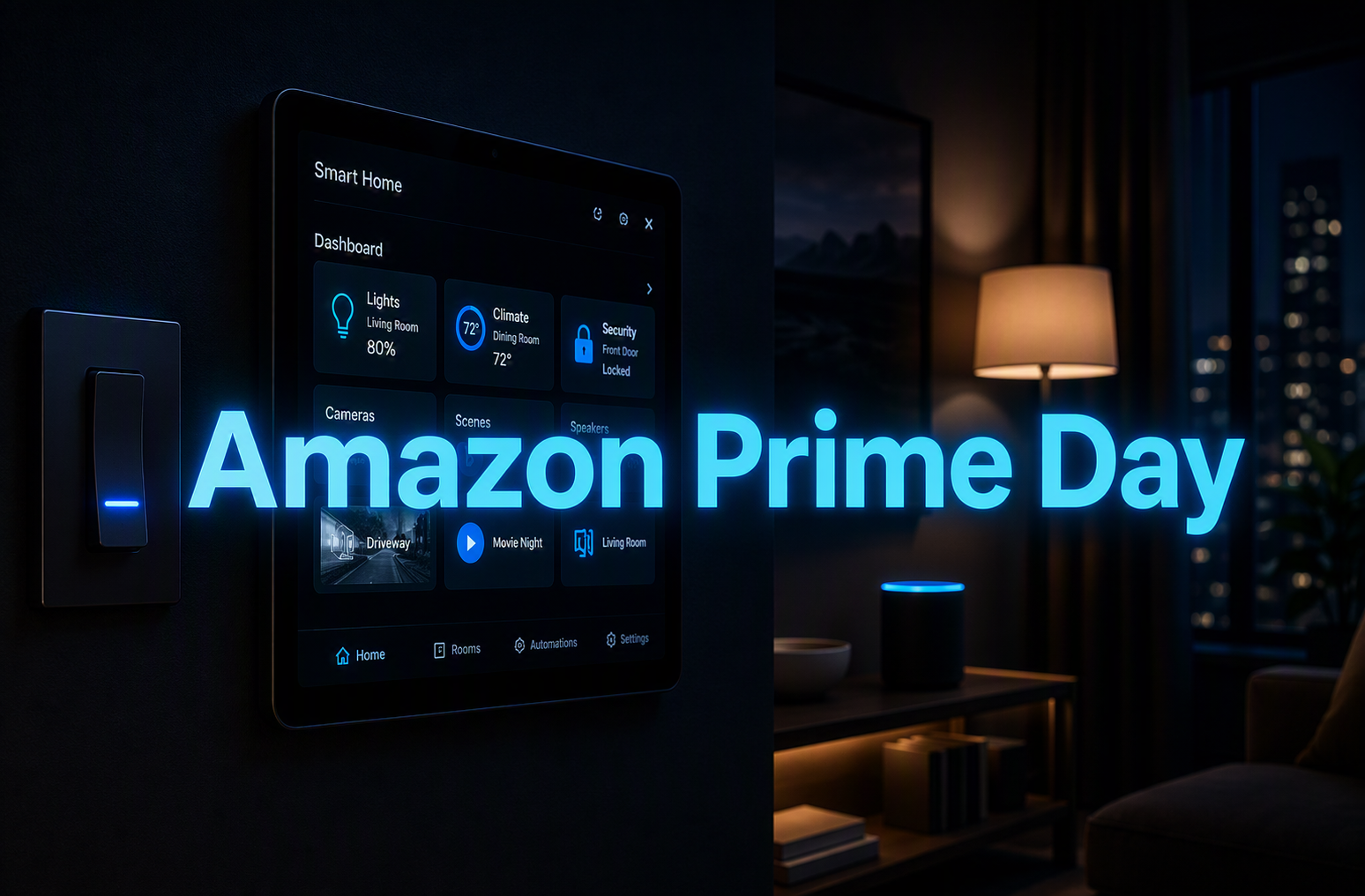
My Real Top 10 Prime Day Picks for Home Assistant (From My Setup)
Prime Day is a good excuse to upgrade your smart home, but only if you know what’s worth buying. These are the 10 things running in my own house right now, the automations they power, and the honest tradeoffs on each one.
-
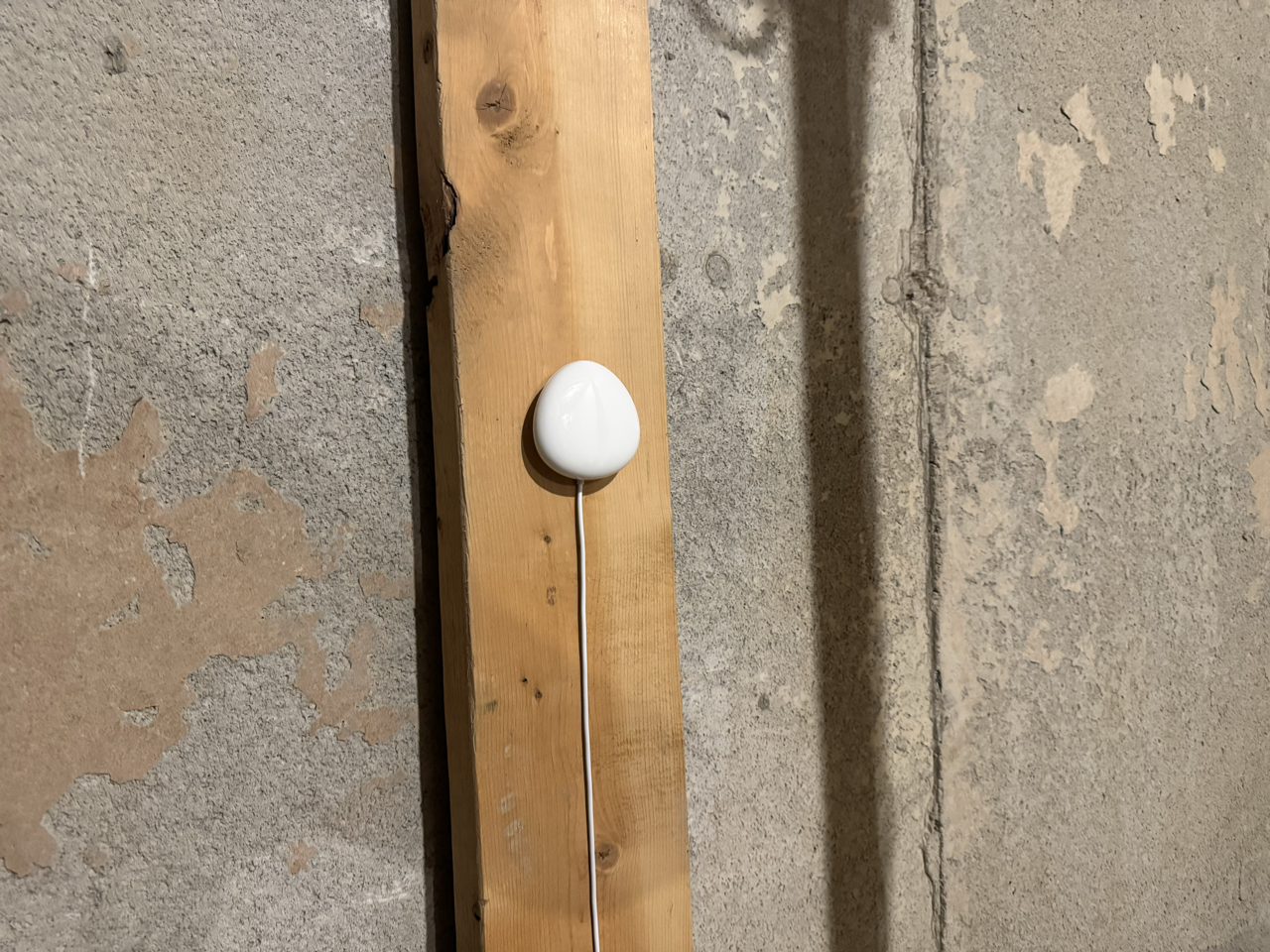
How I Use Home Assistant to Turn a $40 Sensor Into a Whole-Home Water Leak Alert
A water leak in the wrong place can cause tens of thousands of dollars in damage. Here’s how I wired a single Z-Wave sensor in my cold room into Home Assistant to flash every switch in the house cyan, send actionable alerts to both phones, and clear everything with one tap. I’ll also cover what…
-
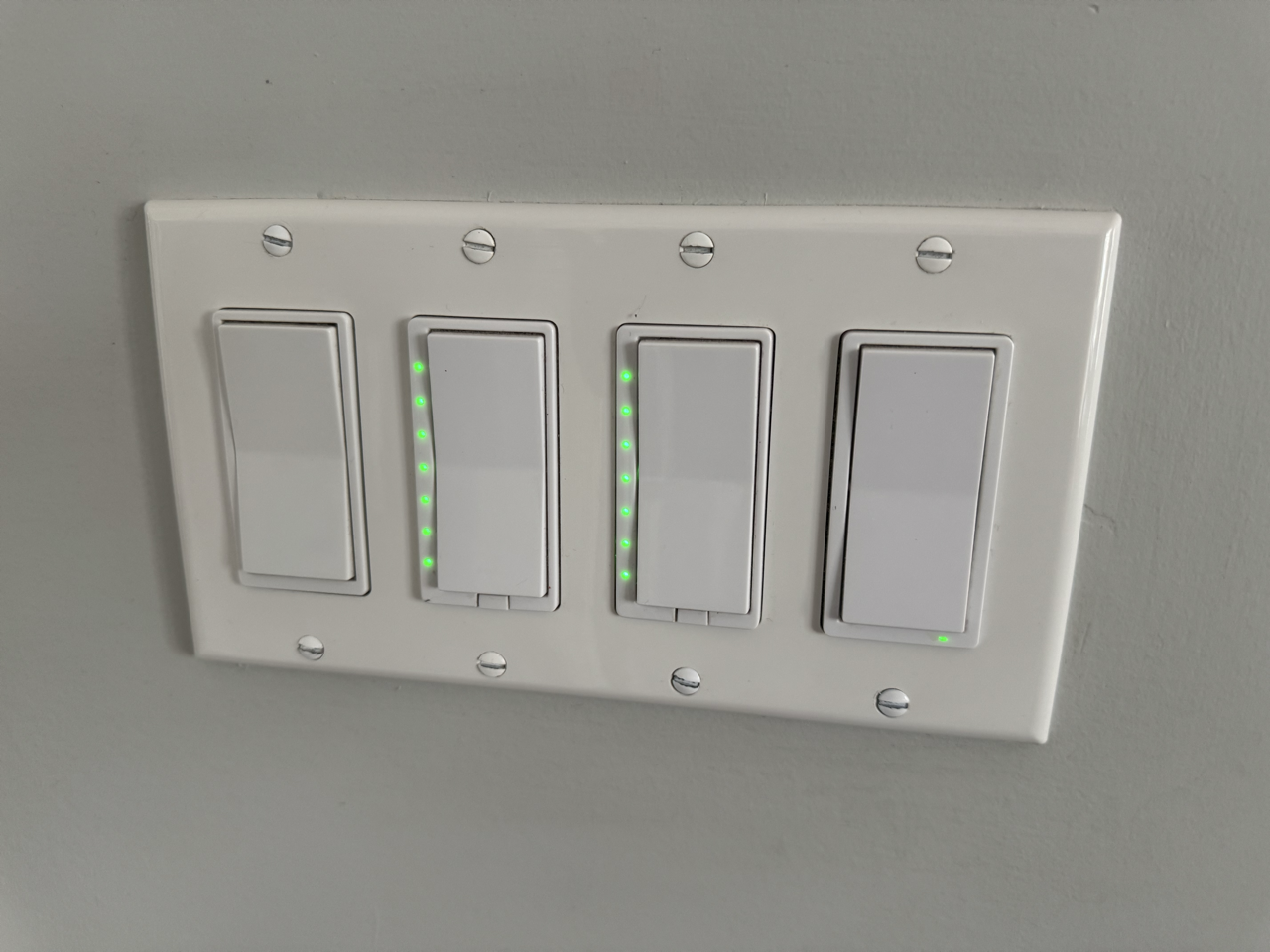
Every Z-Wave Switch in My House Does Two Jobs: Here’s How
Most people install a Z-Wave dimmer and stop at on and off. But the same switch you use every day can trigger a second layer of completely separate automations, and even change colour to tell you something. Here’s how I use multi-tap, scene keys, and LED status across my office, kitchen, deck, master bedroom, and…
-
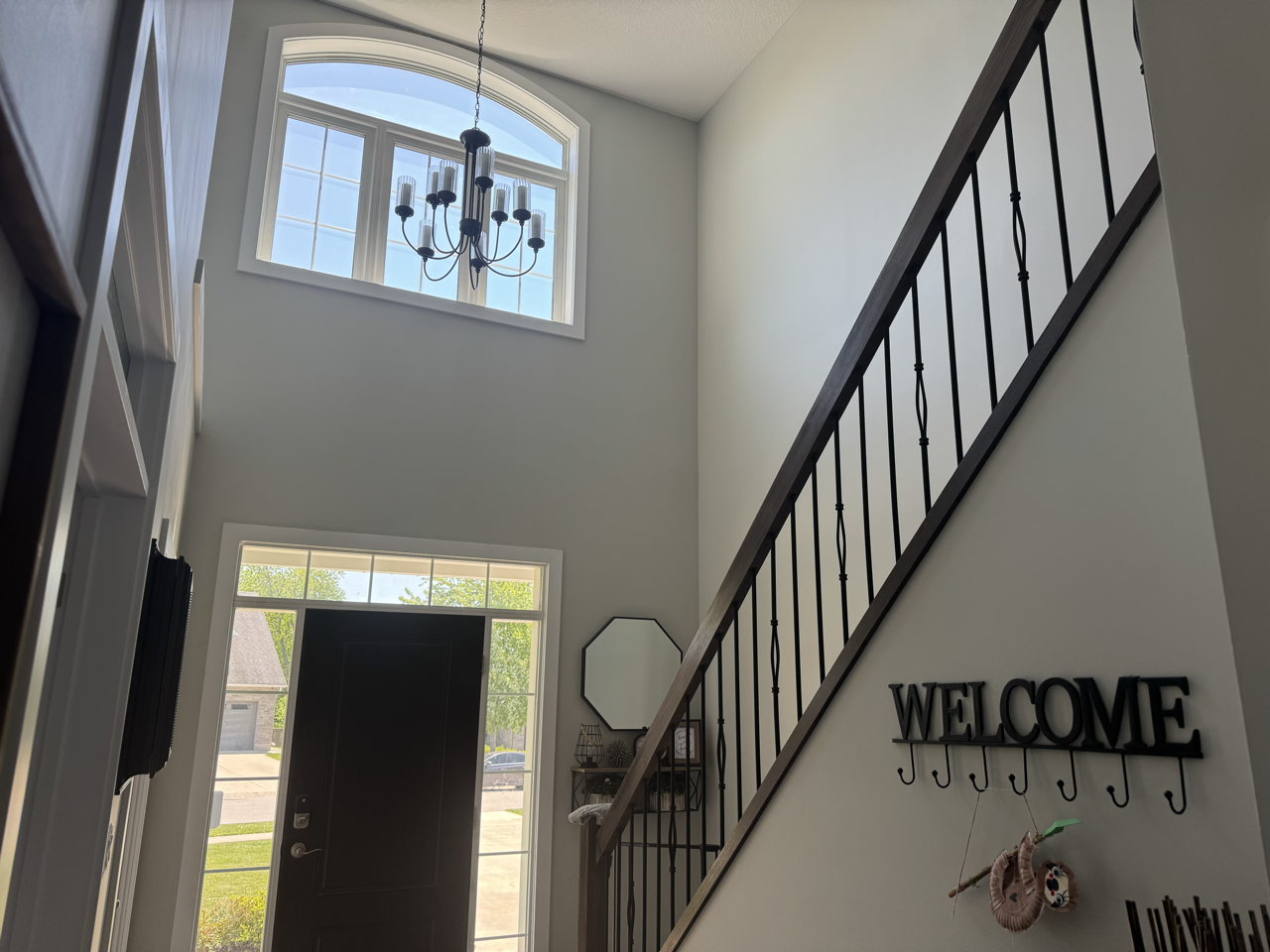
10 Intermediate Home Assistant Automations, Pulled From My System
These are the automations that do a little more thinking. Each one is pulled from my live setup, includes copy-paste YAML, and adds just enough logic to make a real difference. If you have the beginner list running, this is your next step.
My Home Assistant Setup
Running on Proxmox and Z-Wave, connected through UniFi networking, heard on Sonos and displayed on Immich. Driven by Tesla and a Claude powered voice assistant. The full stack is documented with help from Artificial Intelligence




Want a guide on something specific?
If you are struggling with cloud dependancy like Google Nest or Amazon Alexa or just need some help getting started and cannot see what you need here, message me!