Category: The Blueprint Series
Step-by-step roadmaps for building a smart home on Home Assistant. Each Blueprint takes you from zero to working setup, built from a real installation running 200+ automations and 2,600+ connected entities. Start with Blueprint #1 and work through the series at your own pace.
-

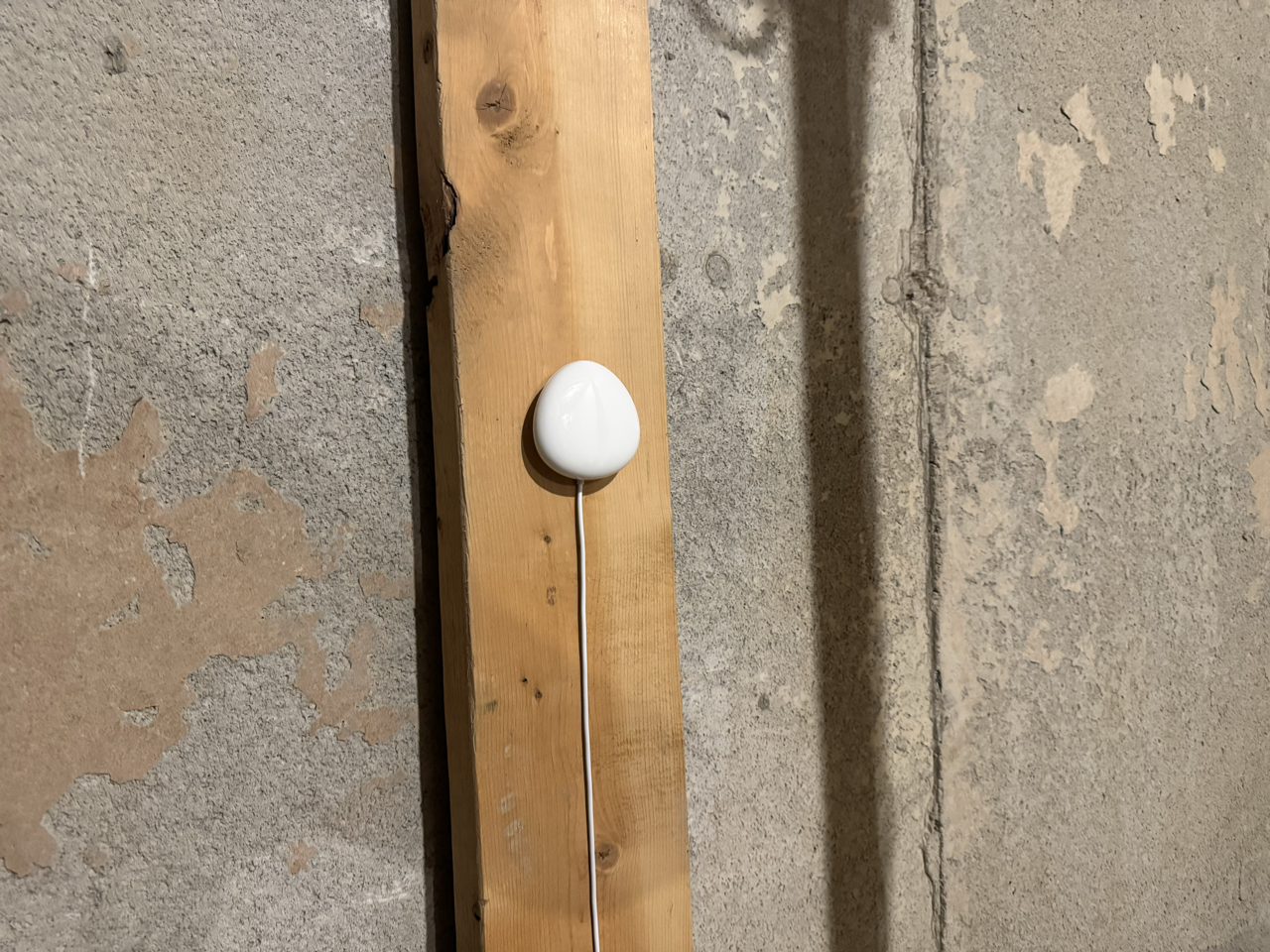
How I Use Home Assistant to Turn a $40 Sensor Into a Whole-Home Water Leak Alert
A water leak in the wrong place can cause tens of thousands of dollars in damage. Here’s how I wired a single Z-Wave sensor in my cold room into Home Assistant to flash every switch in the house cyan, send actionable alerts to both phones, and clear everything with one tap. I’ll also cover what…
-
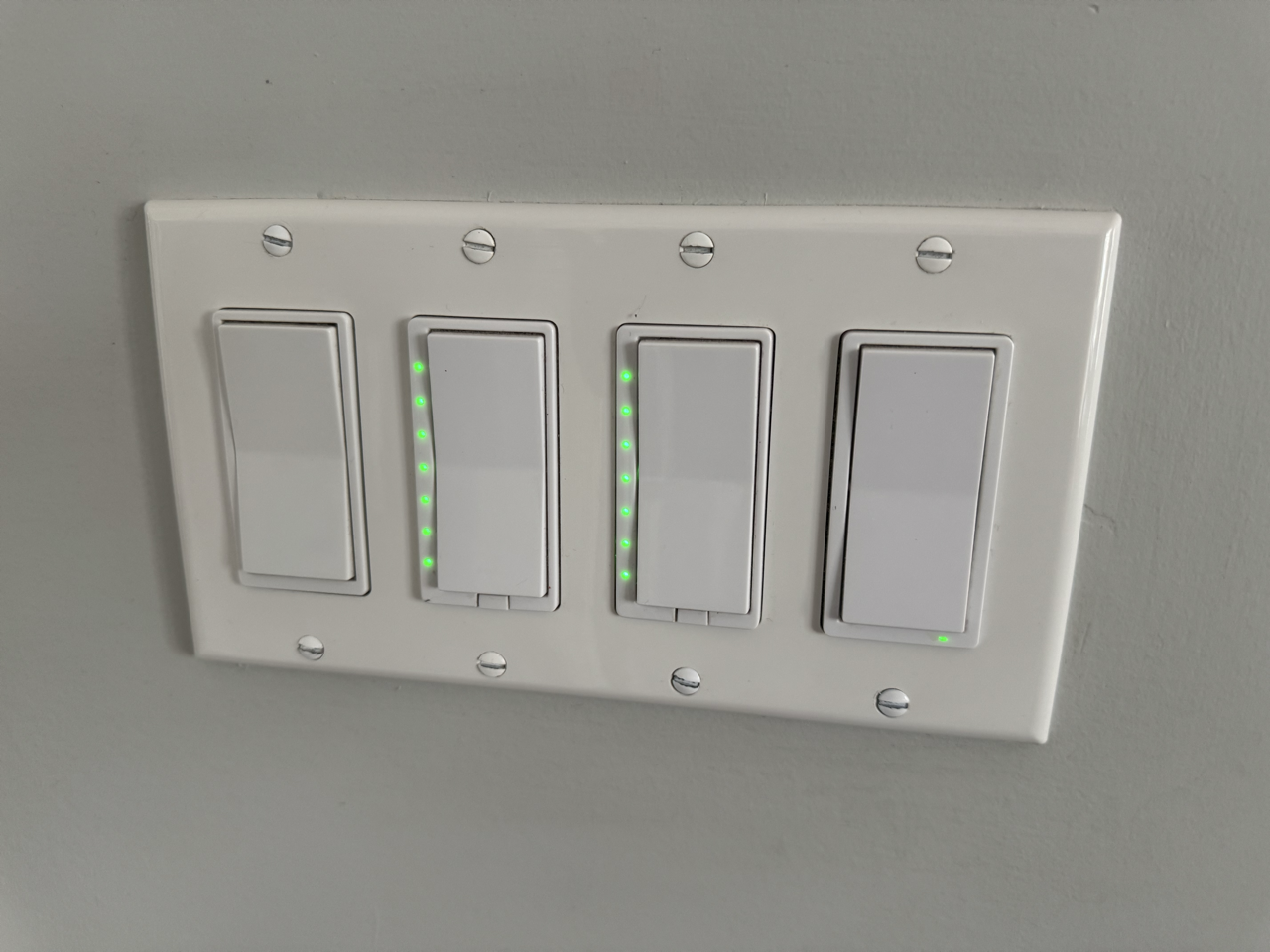
Every Z-Wave Switch in My House Does Two Jobs: Here’s How
Most people install a Z-Wave dimmer and stop at on and off. But the same switch you use every day can trigger a second layer of completely separate automations, and even change colour to tell you something. Here’s how I use multi-tap, scene keys, and LED status across my office, kitchen, deck, master bedroom, and…
-
10 Intermediate Home Assistant Automations, Pulled From My System
These are the automations that do a little more thinking. Each one is pulled from my live setup, includes copy-paste YAML, and adds just enough logic to make a real difference. If you have the beginner list running, this is your next step.
-
Blueprint #8: Tesla and Home Energy Monitoring in Home Assistant
Whole-home energy monitoring and Tesla integration cover two of the most impactful things you can add to Home Assistant. This Blueprint walks through the Aeotec Gen 5 setup, Tesla Fleet API configuration, Tesla Wall Connector integration, and the automations that tie it all together, including a charging complete notification that calculates real cost using your…
-
Fine-Tuning Your Home Assistant Conversation Agent Pre-Prompt: Why Clarity Beats Length
You wrote a clear rule. The agent ignored it. Before you blame the LLM, check whether Home Assistant intercepted the command before Claude ever saw it. This is the meta-article behind my local voice series: what I learned about writing a conversation agent pre-prompt that actually behaves, plus the full annotated prompt I run today.
-
10 Easy Home Assistant Automations You Can Build Today, Pulled From My System
These are not made-up examples. Every automation in this list runs in my home right now. I pulled the 10 easiest ones from my setup, cleaned up the YAML, and documented exactly how to build them yourself. Copy, swap your entity IDs, and you are done.
-
Home Assistant Voice PE Timers: Exposing Them, Displaying Them, and Getting Notified
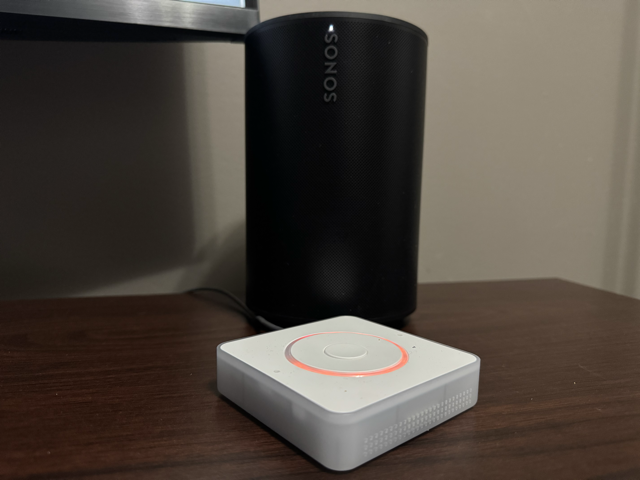
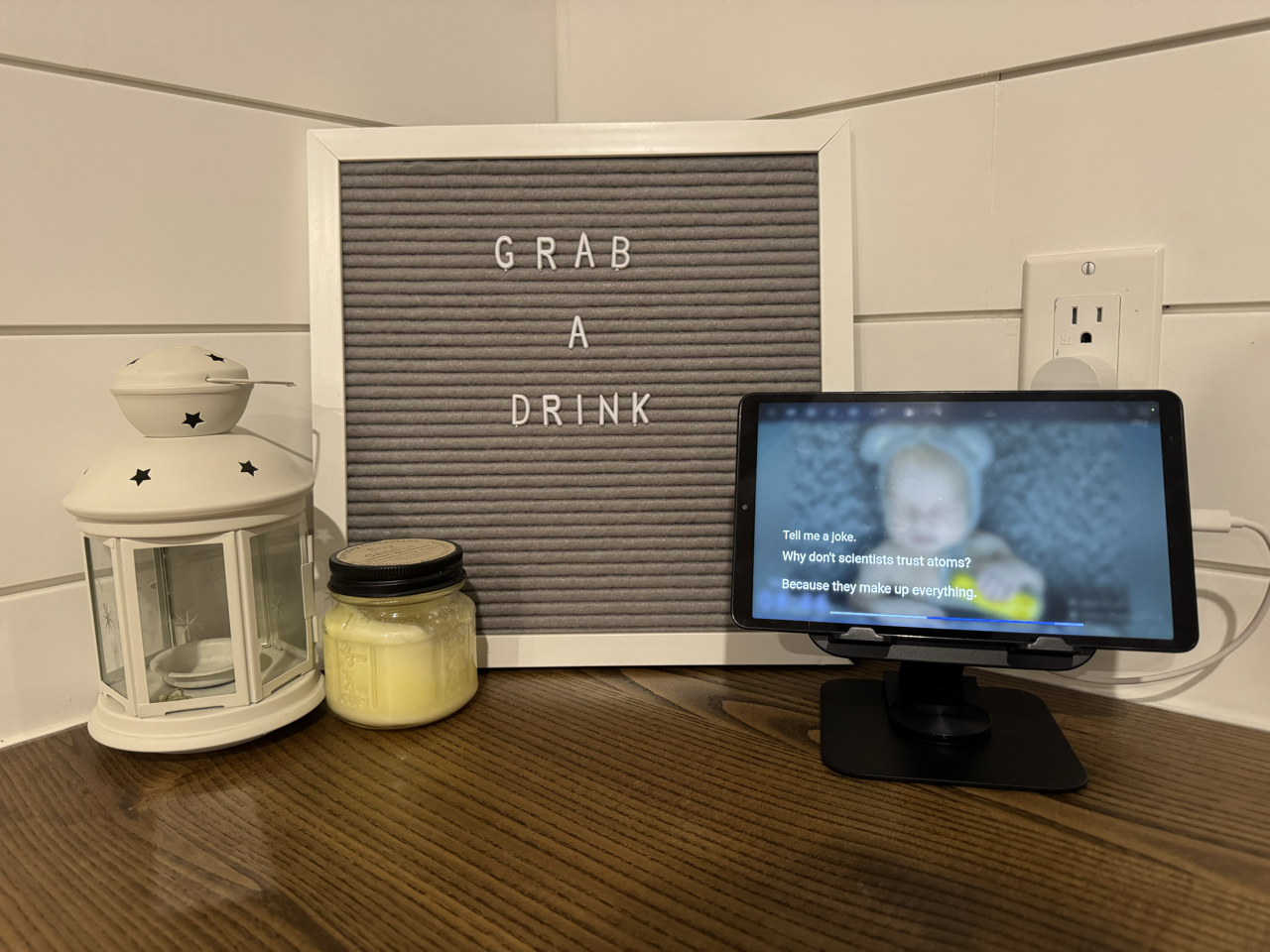
The Voice PE stores timers entirely on the device. Home Assistant has no idea they exist. This guide covers the ESPHome fix that exposes your timer to HA, wires up the kitchen tablet overlay, sends iOS notifications on completion, and explains how to customize which timers show where.
-
Turn a Raspberry Pi and Stream Deck Into a Physical Home Assistant Launchpad
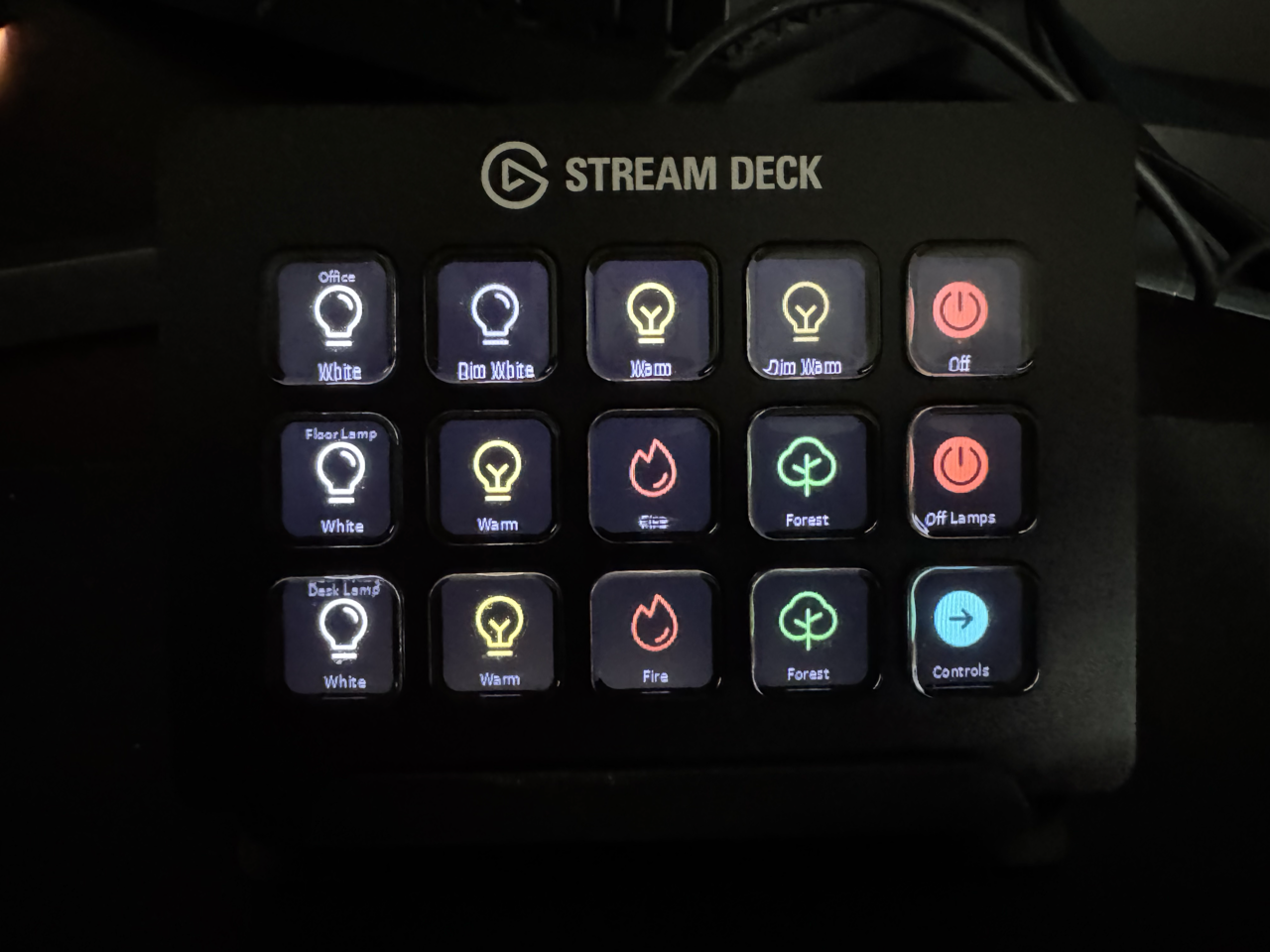
A Pi5 sitting on a shelf. A Stream Deck collecting dust for years. One sick day at home with my son that finally made me sit down and do it. Here is exactly how I turned idle hardware into a 22-button Home Assistant launchpad, with story time for the kids, a Z-Wave DND toggle, and…
-
What Home Assistant Voice Handles Locally, and What Still Needs an AI
I spent an afternoon trying to teach Claude how to broadcast messages through my house before realising Home Assistant was intercepting the command before Claude ever saw it. That one mistake taught me something most voice assistant guides never cover. Knowing which commands belong local and which ones belong to an LLM is the foundation…
-
Blueprint #7: Local Voice Control & Ditching Google Home for Piper, Whisper, and openWakeWord
I had been putting off replacing Google Home for years. When my Lenovo Smart Display died, I finally built what I had always wanted a fully local voice assistant using Piper, Whisper, and openWakeWord. This is the complete blueprint, including the wake word problem I did not expect, the Proxmox fix that eliminated latency, and…