
Blog
Guides, reviews, ideas, and real experiences from a live smart home setup.
-

My Real Top 10 Prime Day Picks for Home Assistant (From My Setup)
Prime Day is a good excuse to upgrade your smart home, but only if you know what’s worth buying. These are the 10 things running in my own house right now, the automations they power, and the honest tradeoffs on each one.
-
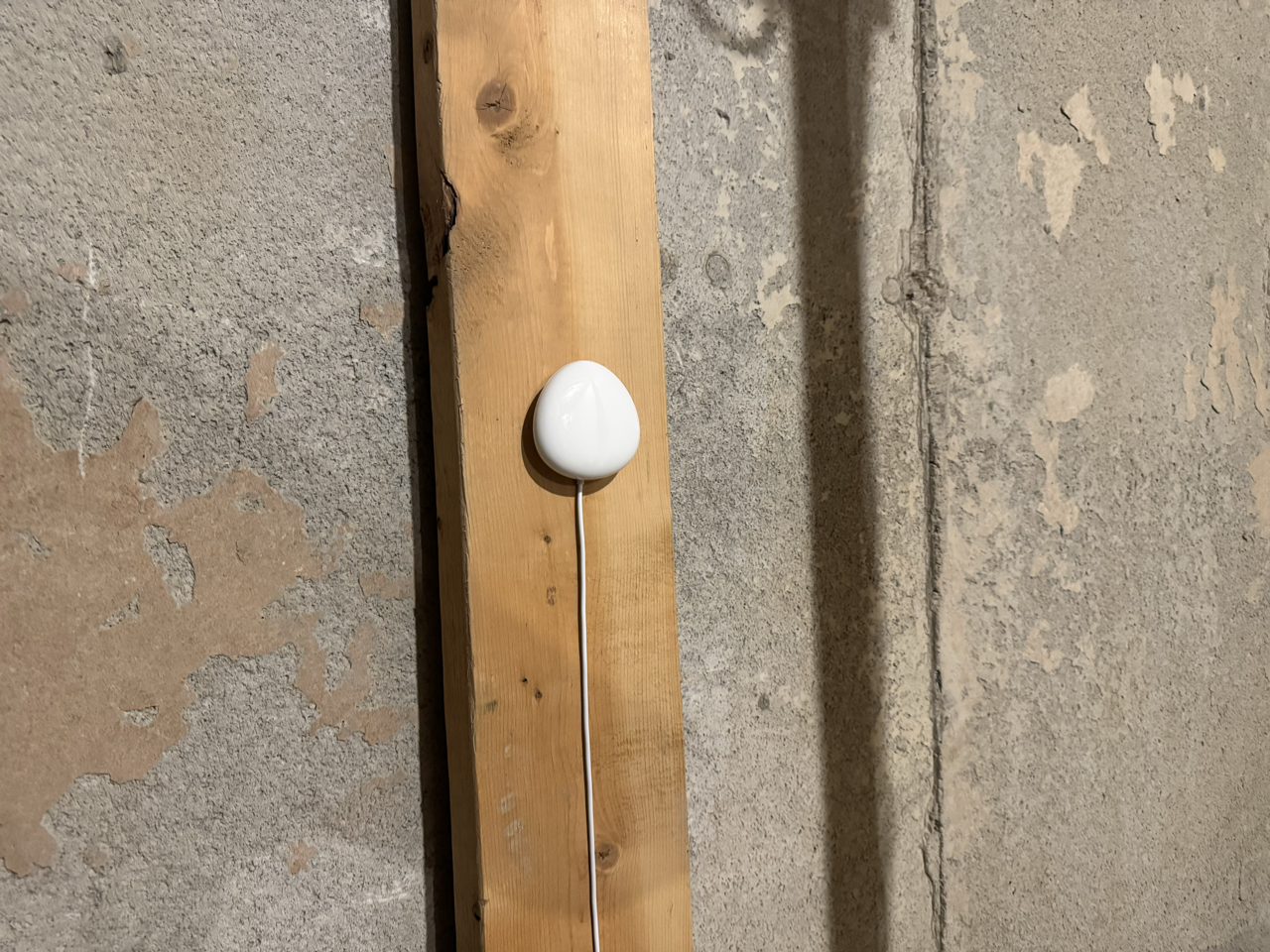
How I Use Home Assistant to Turn a $40 Sensor Into a Whole-Home Water Leak Alert
A water leak in the wrong place can cause tens of thousands of dollars in damage. Here’s how I wired a single Z-Wave sensor in my cold room into Home Assistant to flash every switch in the house cyan, send actionable alerts to both phones, and clear everything with one tap. I’ll also cover what…
-
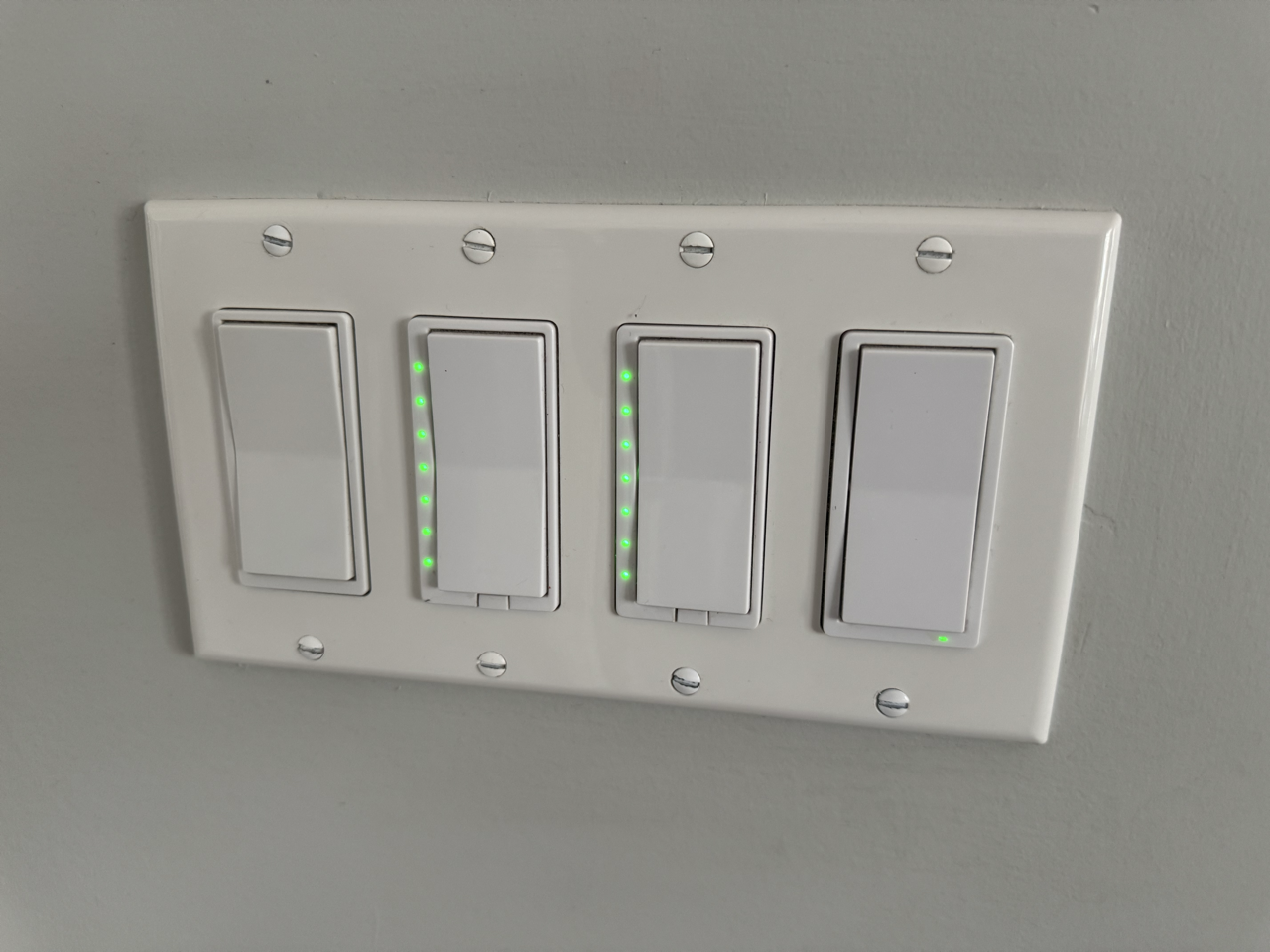
Every Z-Wave Switch in My House Does Two Jobs: Here’s How
Most people install a Z-Wave dimmer and stop at on and off. But the same switch you use every day can trigger a second layer of completely separate automations, and even change colour to tell you something. Here’s how I use multi-tap, scene keys, and LED status across my office, kitchen, deck, master bedroom, and…
-
10 Intermediate Home Assistant Automations, Pulled From My System
These are the automations that do a little more thinking. Each one is pulled from my live setup, includes copy-paste YAML, and adds just enough logic to make a real difference. If you have the beginner list running, this is your next step.
-
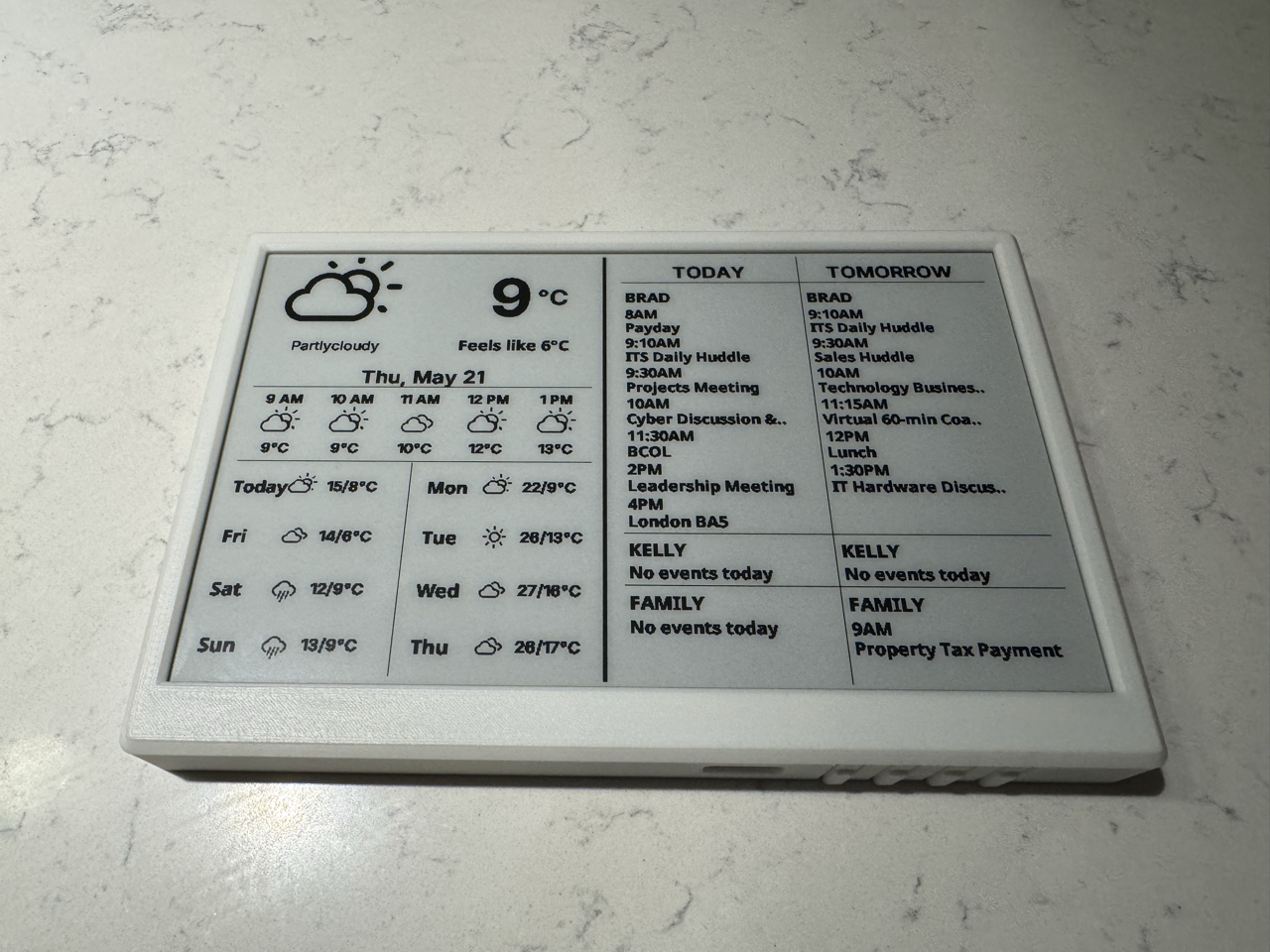
How I Turned a TRMNL Into a Fully Local Home Assistant Display: No Cloud Required
The TRMNL display ships with firmware that tries to phone home the moment it boots. You don’t need a TRMNL account to use the hardware. Here’s how I bypassed the cloud entirely, flashed ESPHome over a 9-second window, and built a fully local weather and calendar dashboard, with two layout options you can choose from.
-
Blueprint #8: Tesla and Home Energy Monitoring in Home Assistant
Whole-home energy monitoring and Tesla integration cover two of the most impactful things you can add to Home Assistant. This Blueprint walks through the Aeotec Gen 5 setup, Tesla Fleet API configuration, Tesla Wall Connector integration, and the automations that tie it all together, including a charging complete notification that calculates real cost using your…
-
Fine-Tuning Your Home Assistant Conversation Agent Pre-Prompt: Why Clarity Beats Length
You wrote a clear rule. The agent ignored it. Before you blame the LLM, check whether Home Assistant intercepted the command before Claude ever saw it. This is the meta-article behind my local voice series: what I learned about writing a conversation agent pre-prompt that actually behaves, plus the full annotated prompt I run today.
-
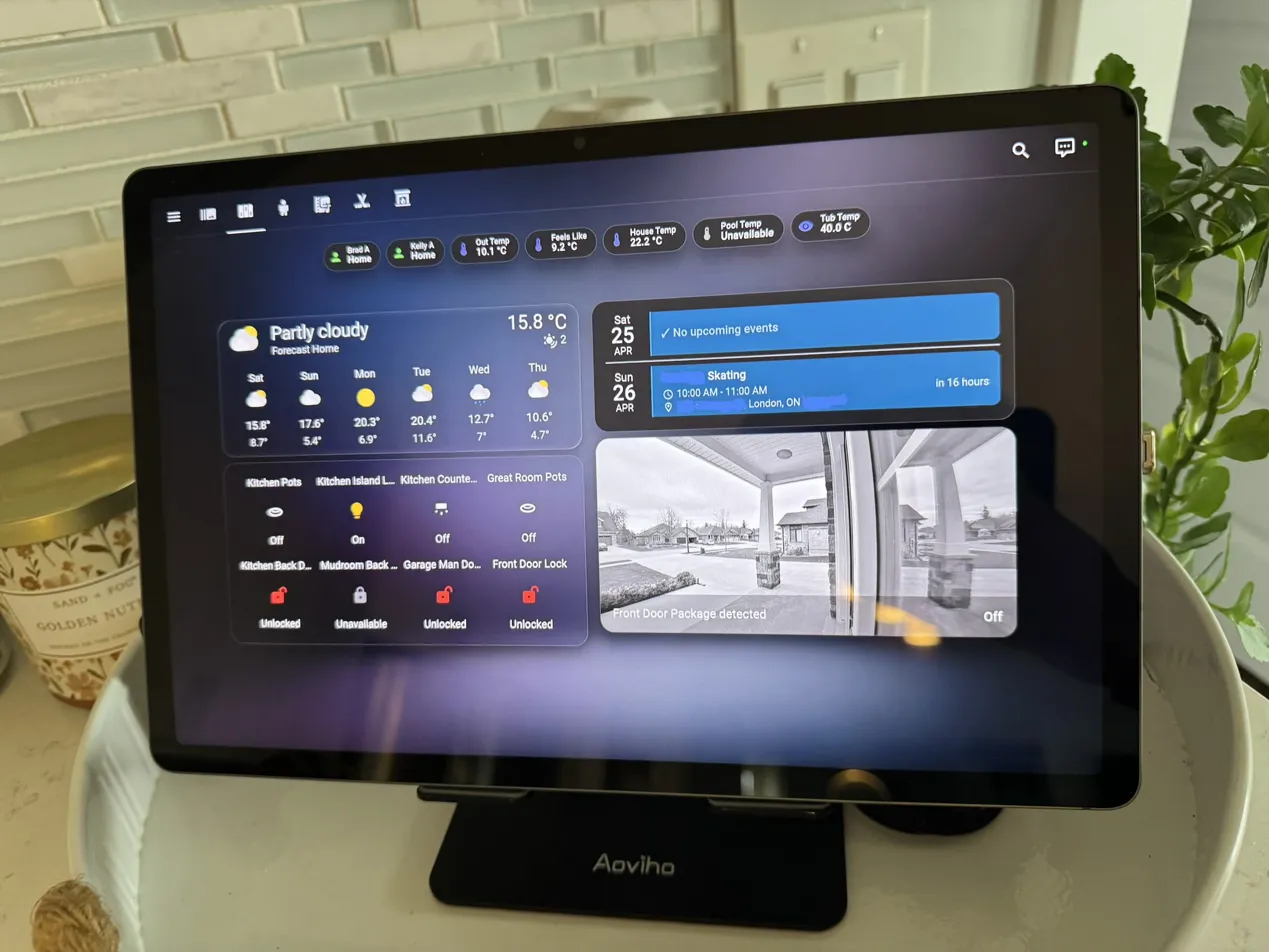
My Home Assistant Custom Dashboards Are on GitHub: Free to Download
Google Home and Amazon Echo give you an app and a speaker. Home Assistant gives you whatever you build. I’ve put my full custom dashboard YAML files on GitHub. Two dashboards, nine views, sanitized for public use and commented so you know exactly what to change. Here’s what’s inside and how to get started.
-
10 Easy Home Assistant Automations You Can Build Today, Pulled From My System
These are not made-up examples. Every automation in this list runs in my home right now. I pulled the 10 easiest ones from my setup, cleaned up the YAML, and documented exactly how to build them yourself. Copy, swap your entity IDs, and you are done.

Don’t see what you’re looking for?
Request a guide on any automation, device, Docker container, AI agent, or integration. If it’s useful, I’ll write it.