
Blog
Guides, reviews, ideas, and real experiences from a live smart home setup.
-

Home Assistant Voice PE Timers: Exposing Them, Displaying Them, and Getting Notified
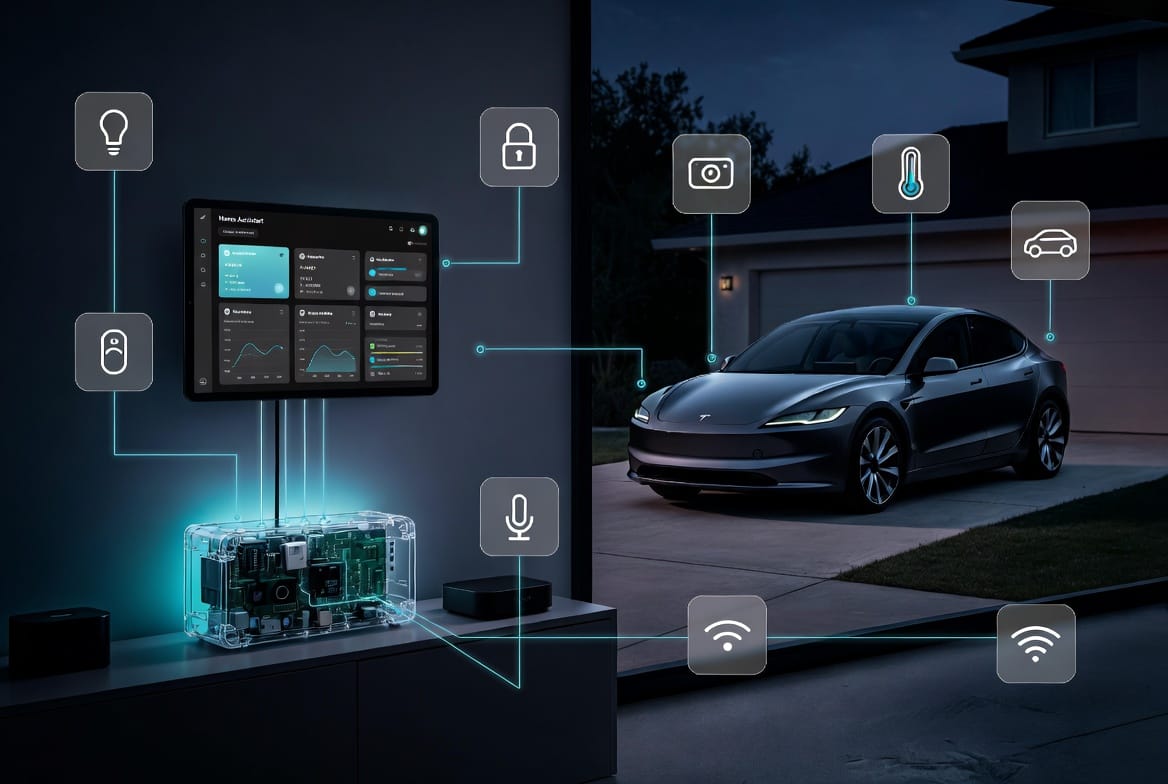
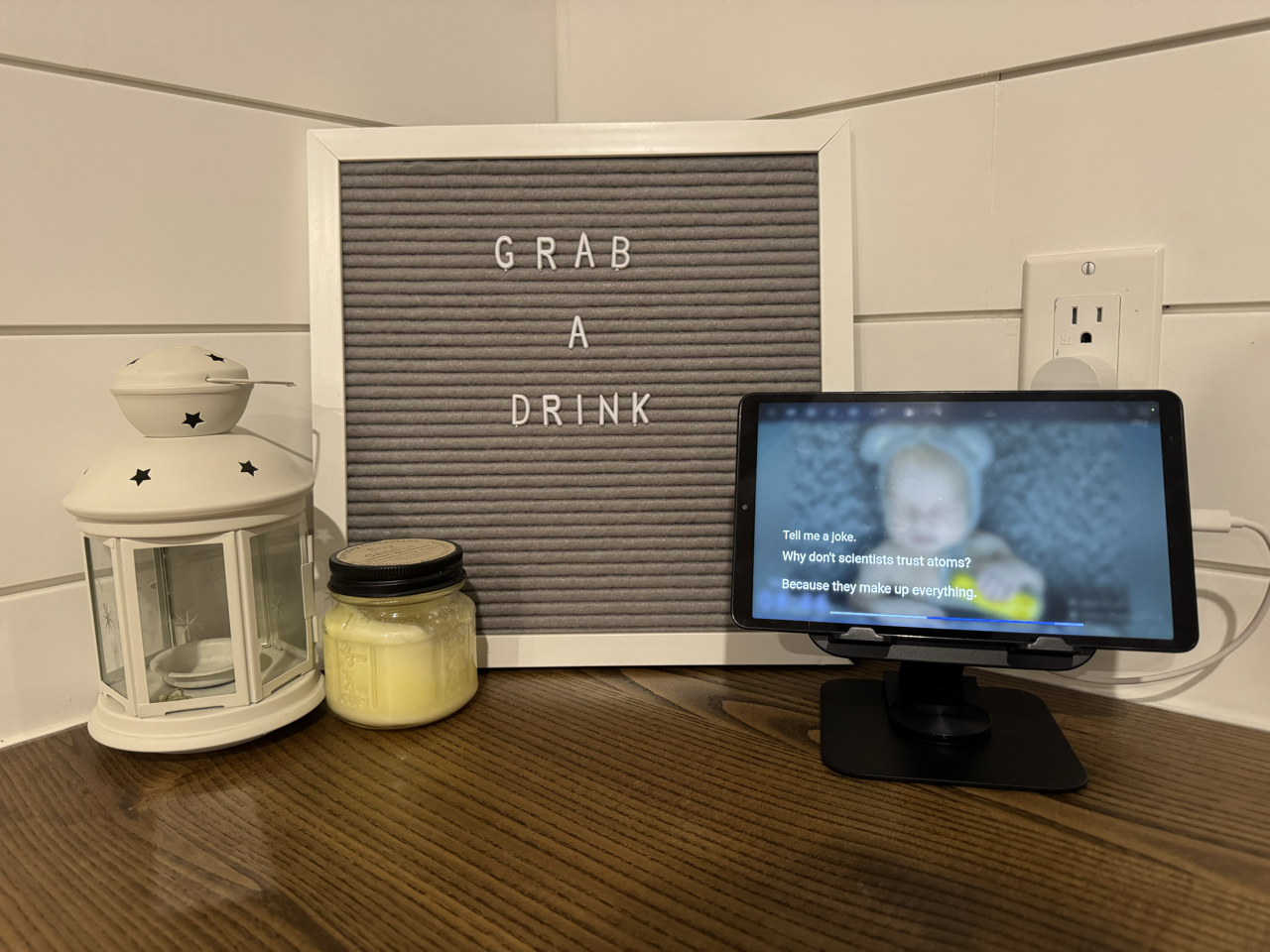
The Voice PE stores timers entirely on the device. Home Assistant has no idea they exist. This guide covers the ESPHome fix that exposes your timer to HA, wires up the kitchen tablet overlay, sends iOS notifications on completion, and explains how to customize which timers show where.
-
Turn a Raspberry Pi and Stream Deck Into a Physical Home Assistant Launchpad
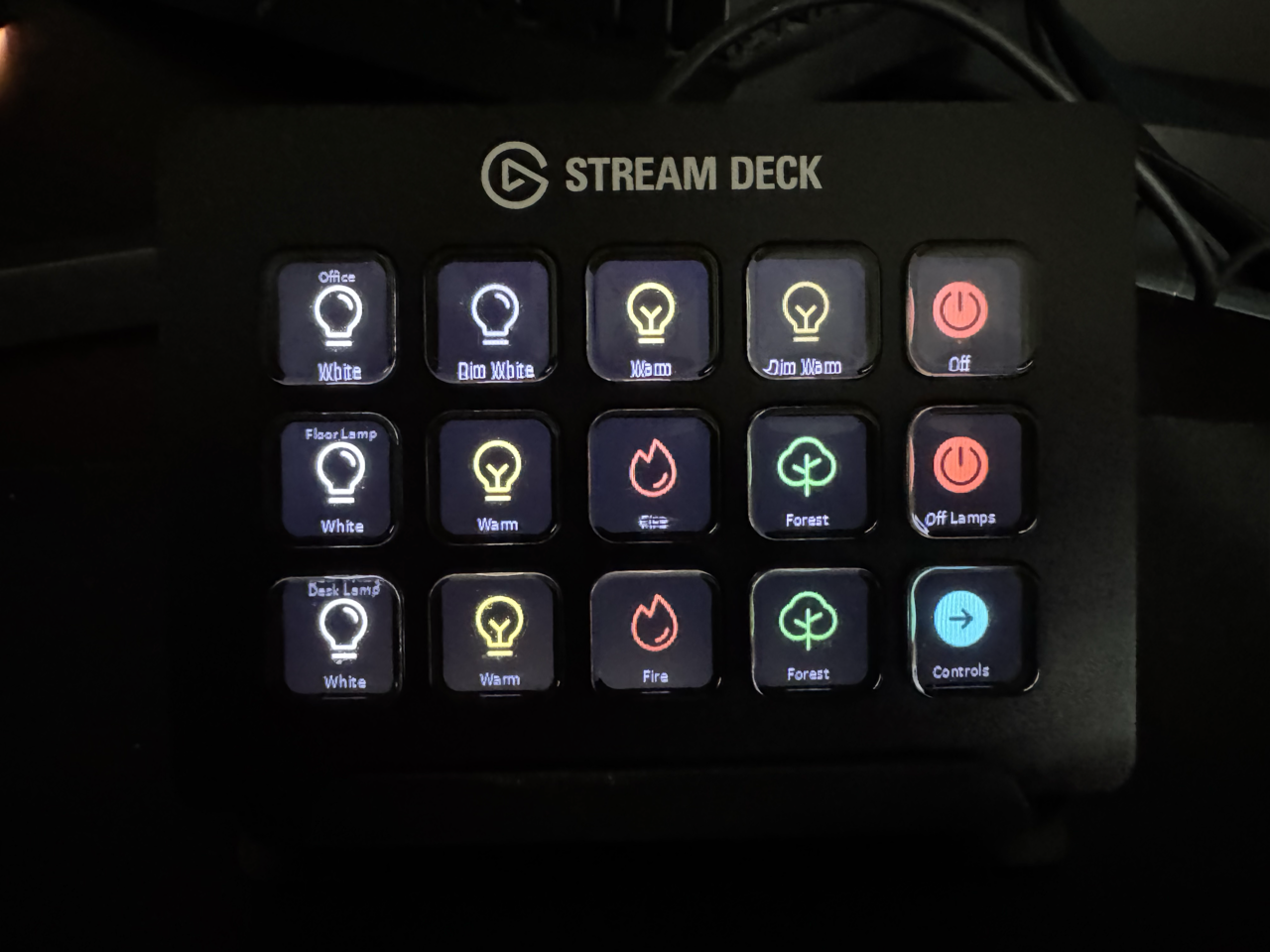
A Pi5 sitting on a shelf. A Stream Deck collecting dust for years. One sick day at home with my son that finally made me sit down and do it. Here is exactly how I turned idle hardware into a 22-button Home Assistant launchpad, with story time for the kids, a Z-Wave DND toggle, and…
-
What Home Assistant Voice Handles Locally, and What Still Needs an AI
I spent an afternoon trying to teach Claude how to broadcast messages through my house before realising Home Assistant was intercepting the command before Claude ever saw it. That one mistake taught me something most voice assistant guides never cover. Knowing which commands belong local and which ones belong to an LLM is the foundation…
-
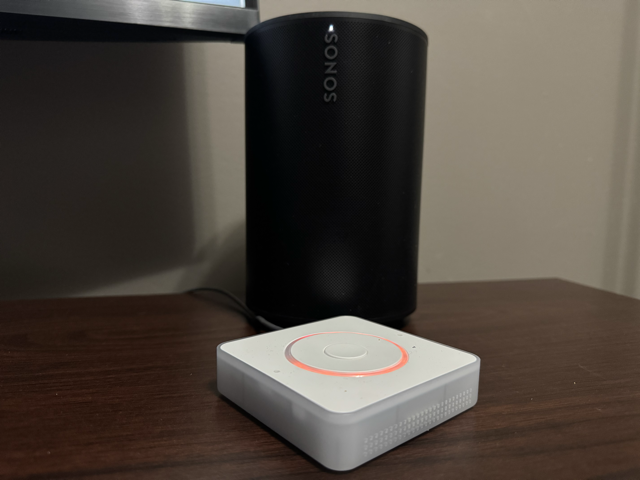
Blueprint #7: Local Voice Control & Ditching Google Home for Piper, Whisper, and openWakeWord
I had been putting off replacing Google Home for years. When my Lenovo Smart Display died, I finally built what I had always wanted a fully local voice assistant using Piper, Whisper, and openWakeWord. This is the complete blueprint, including the wake word problem I did not expect, the Proxmox fix that eliminated latency, and…
-
I Replaced My Smart Display with a Tablet Running Home Assistant: Here’s What I Built
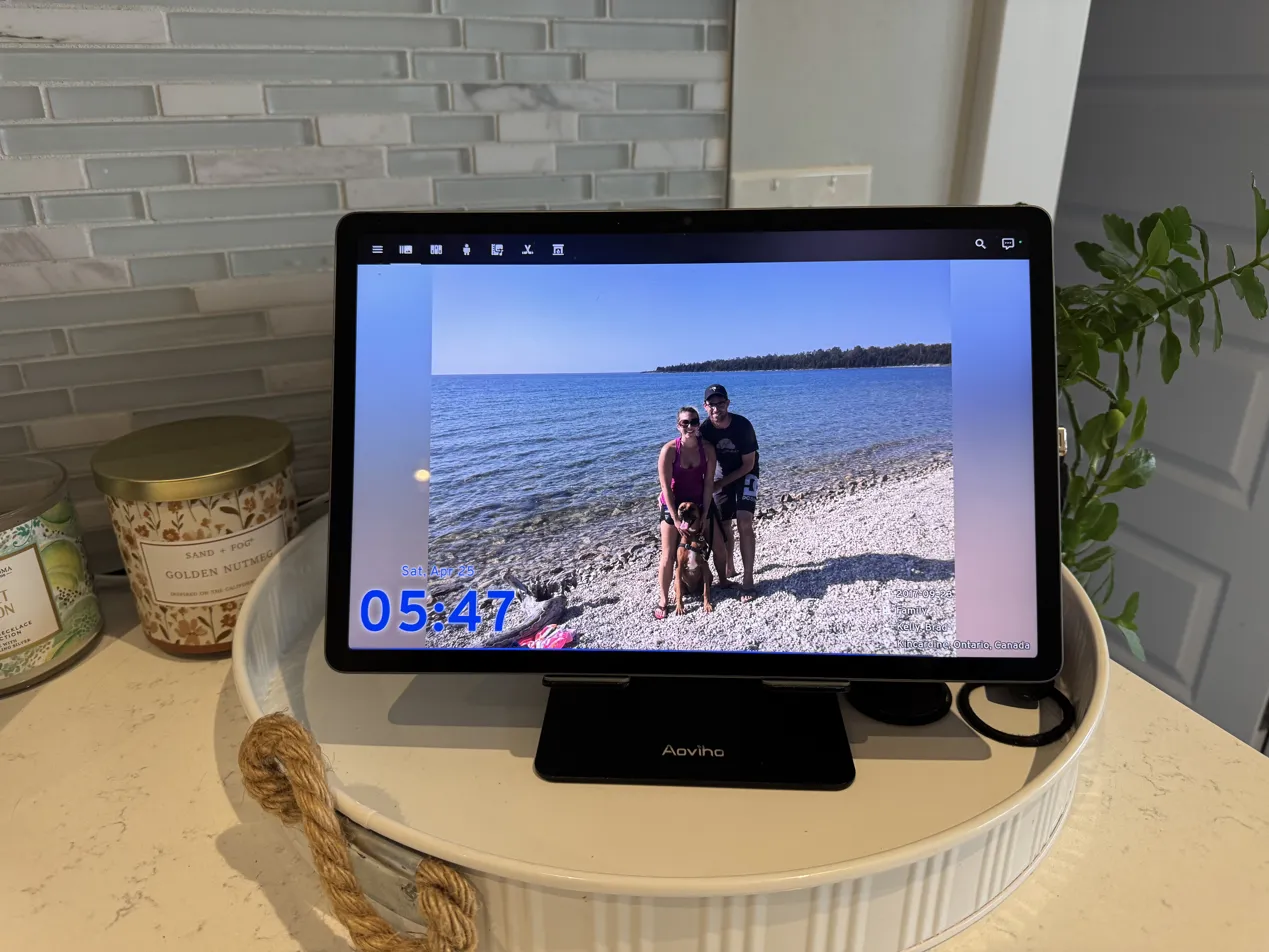
When my Lenovo Smart Display finally gave up, I didn’t replace it with another smart display. Instead I mounted a Samsung Galaxy Tab S9 FE+ running Home Assistant in kiosk mode. What started as a like-for-like replacement turned into something that does more than I ever expected: local voice control, chore tracking, UniFi doorbell alerts,…
-
Blueprint #6: Home Assistant Presence Detection: Building a Bulletproof Approach
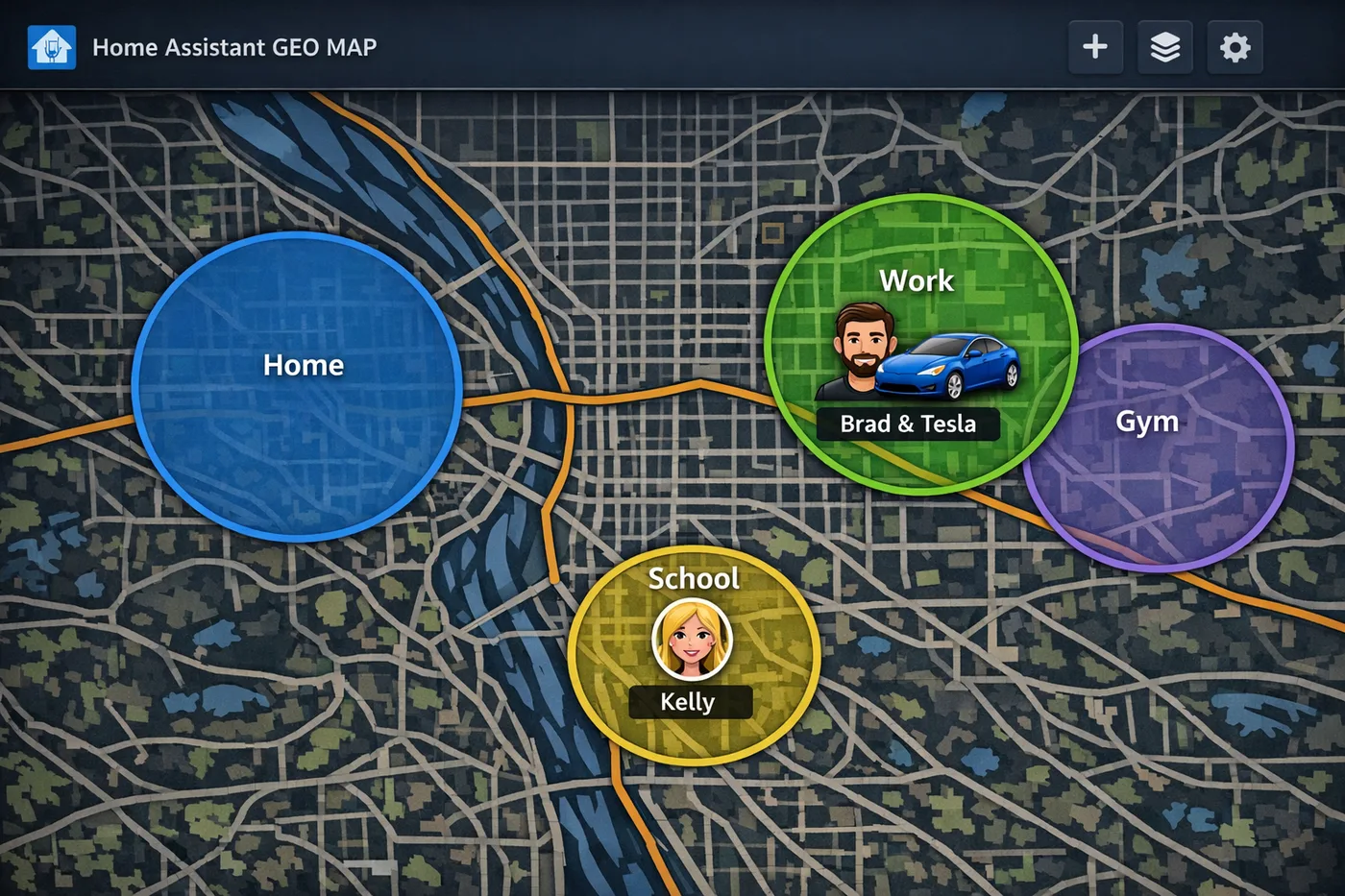
Phone-based geofencing is a good start for Home Assistant presence detection. It is not the finish line. Here is how I layer mmWave sensors, UniFi camera detection, car-specific conditions, and a guest mode helper to build a system that actually knows who is home, who just arrived, and who might be in the house when…
-
Blueprint #5: Home Assistant Calendar Sync: Pull Your Whole Family’s Schedule Into One Place
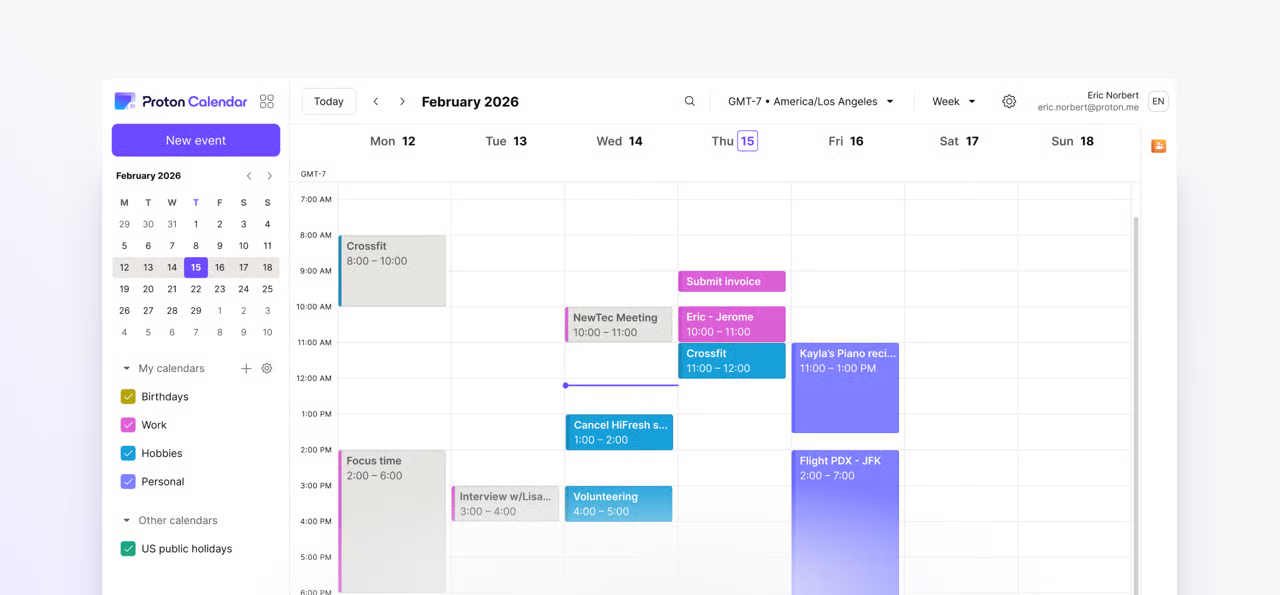
Your calendar knows more about your day than any automation you have ever built. Here is how I synced five calendars from Proton, Microsoft 365, and my kids’ sports leagues into Home Assistant using ICS URLs, and what I built with that data once it was all in one place.
-
What Your UniFi Cameras Can Actually Do in Home Assistant
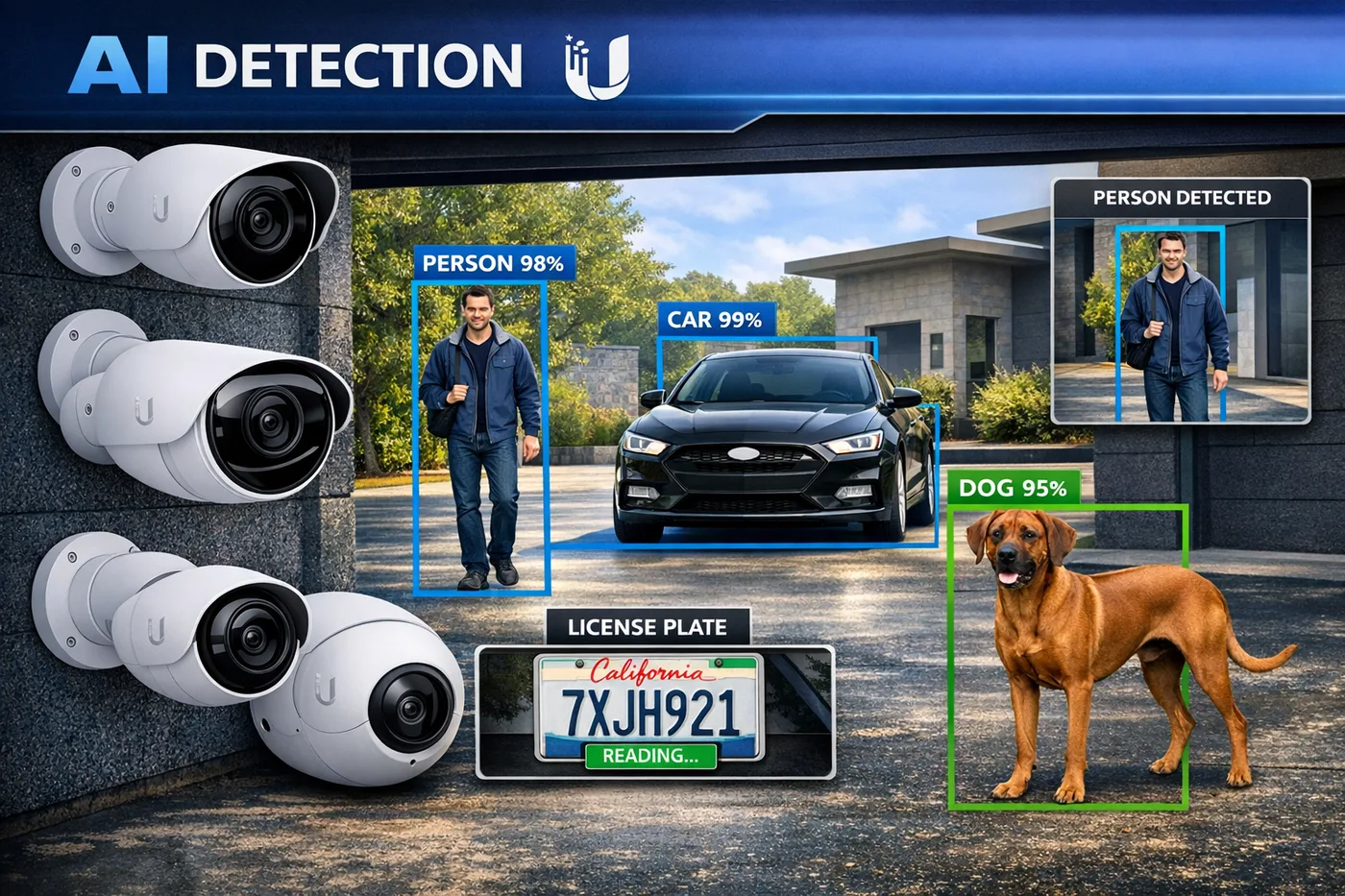
Most people buy security cameras to record. I use mine to trigger automations. In this post I’ll walk through how I’ve wired UniFi Protect into Home Assistant to handle package deliveries, doorbell alerts with live snapshots, backyard presence detection, and keeping tabs on Clarke — all locally, all without a subscription.
-
The Essential Home Assistant Add-Ons Every User Should Install
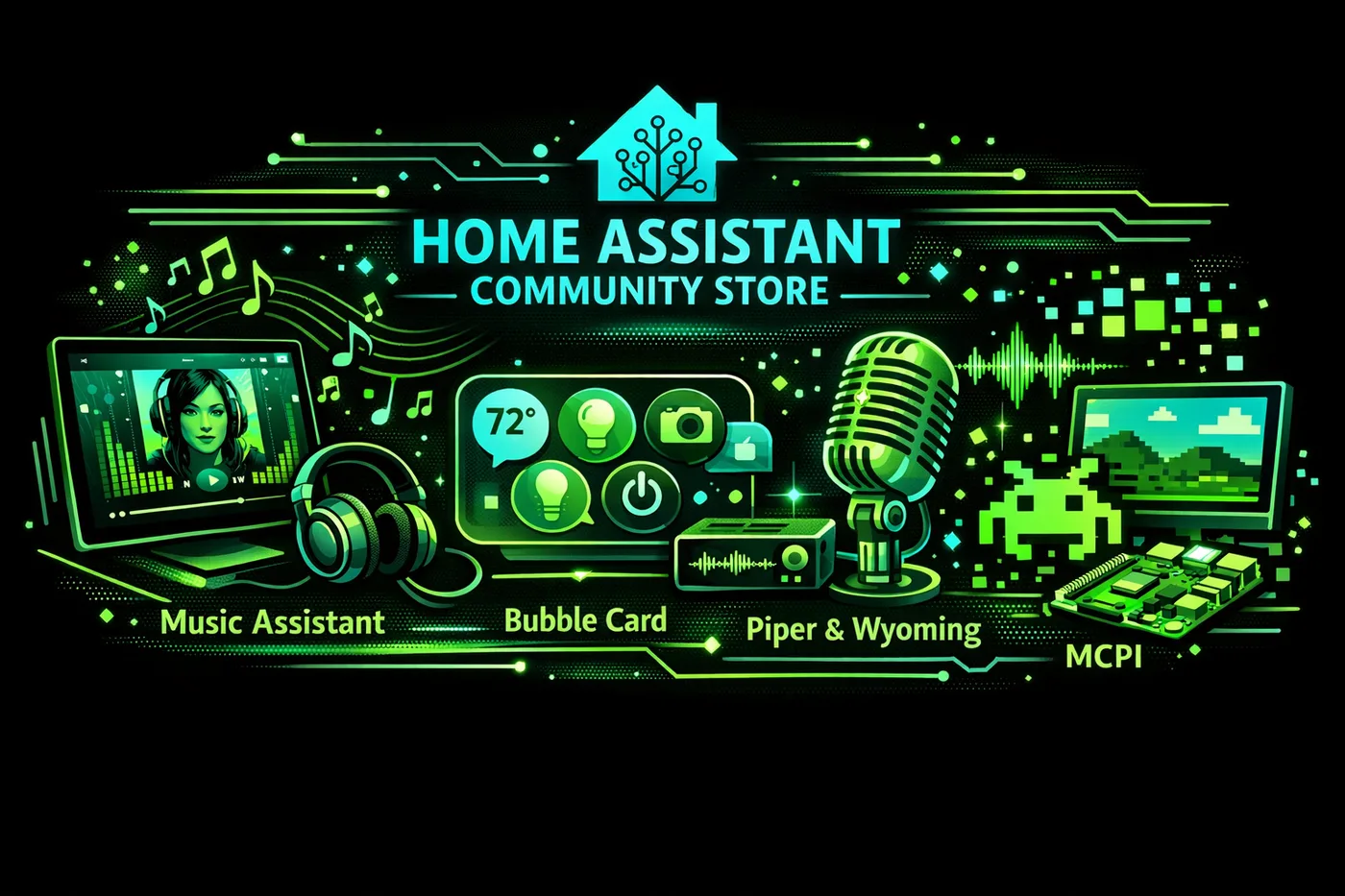
There are two stores inside Home Assistant and most beginners only find one of them. This is the list of 10 add-ons actively running in my setup right now: Z-Wave, Music Assistant, the full local voice stack, ESPHome, and the MCP Server that lets AI work directly inside your smart home.
Don’t see what you’re looking for?
Request a guide on any automation, device, Docker container, AI agent, or integration. If it’s useful, I’ll write it.